How to Set Up AI Email Automation for Your Small Business?

You already know email works. The problem is not belief, it is time. Between serving customers and running the business, the welcome email never gets written, the follow-up never goes out, and the customer who bought once never hears from you again.
Email automation for small business solves the time problem, not by adding another app you have to babysit, but by setting up a few workflows that run on their own. Add a layer of AI to write, segment, and time those messages, and you get something close to a part-time marketer who never sleeps. This guide shows you how to set that up, step by step, without hiring anyone.
What Is Email Automation?
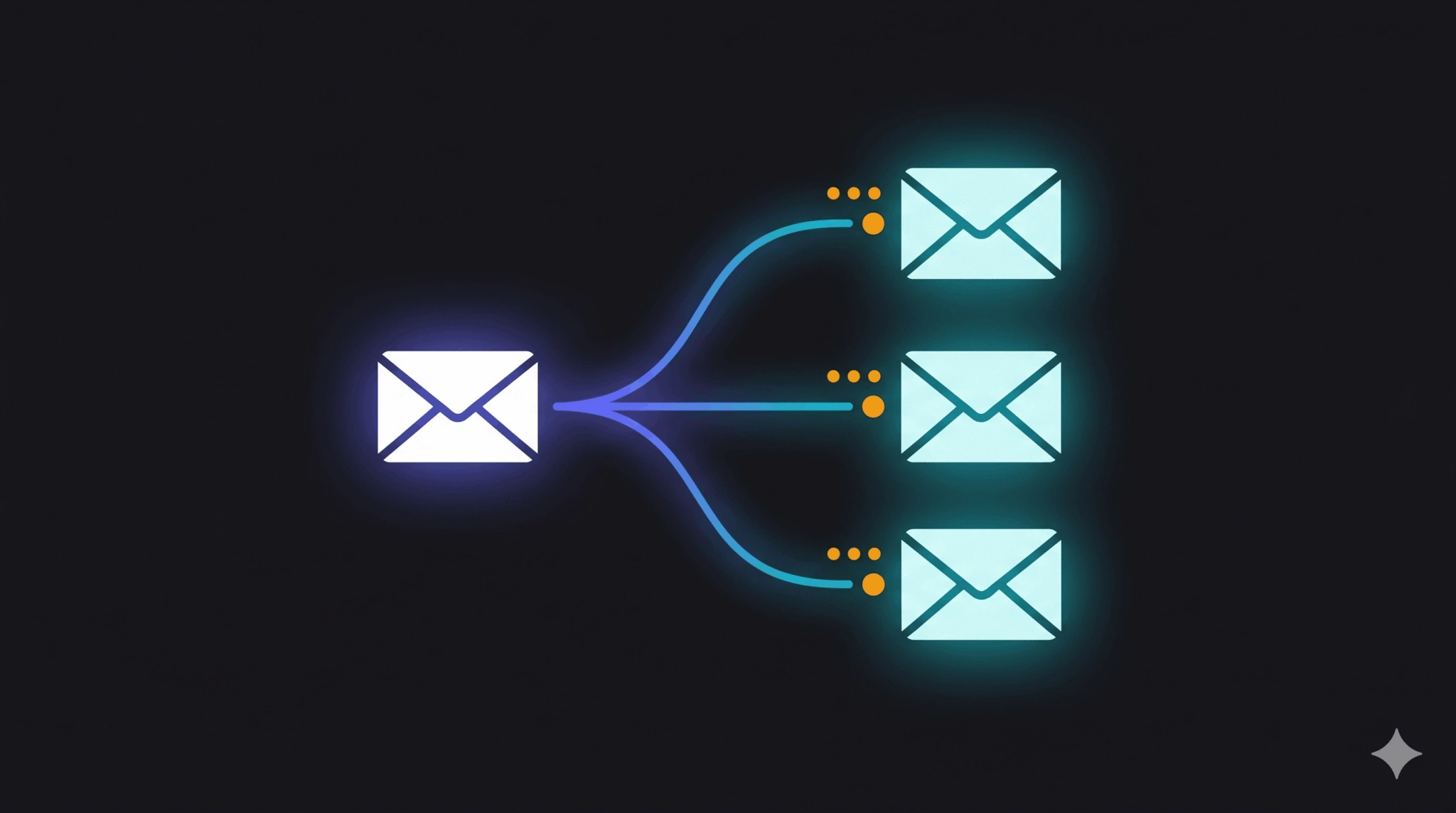
Email automation is the practice of sending emails automatically based on a trigger, such as someone joining your list, making a purchase, or leaving items in a cart. Instead of writing and sending each message by hand, you build the email once and a tool sends it at the right moment, to the right person, every time.
A quick distinction that trips people up: email marketing and marketing automation are not the same thing. Email marketing is the channel. Automation is the system that decides when and to whom a message goes out. You can do email marketing manually; automation is what makes it run without you. For the foundations of the channel itself, start with our guide to
A quick distinction that trips people up: email marketing and marketing automation are not the same thing. Email marketing is the channel. Automation is the system that decides when and to whom a message goes out. You can do email marketing manually; automation is what makes it run without you. For the channel foundations, start with our guide to email marketing for small business.
Where AI Fits In?
Automation handles the timing. AI handles the thinking that used to need a person. In practice, AI email marketing automation helps in three places:
- Writing: drafting subject lines and body copy in your voice, then producing variations to test.
- Segmentation: grouping subscribers by behaviour so the right people get the right message instead of one blast to everyone.
- Timing and prediction: choosing send times and flagging who is about to disengage so a re-engagement email goes out before they are gone.
This is the difference between owning a tool and owning a system. A tool sends email. A system decides what to send, to whom, and when, and improves as it learns. That systems-first approach is the core of how we think about an AI marketing system, and email is usually the easiest place for a small business to start.
The Benefits of Email Automation for a Small Team
If you run a small business, the case for automation is mostly about leverage. A few specific wins:
- Hours back every week. Set up the welcome series once; it runs for every new subscriber forever.
- Revenue you were leaving on the table. Abandoned-cart and follow-up emails recover sales that would otherwise quietly disappear. [PLACEHOLDER: Tabula client recovered X% of abandoned carts]
- Consistency without willpower. The system does not get busy or forget. Every customer gets the same considered follow-up.
- Repeat customers, automatically. Post-purchase and win-back journeys turn one-time buyers into regulars without manual chasing.
How to Set Up Your First Email Automation in 6 Steps?
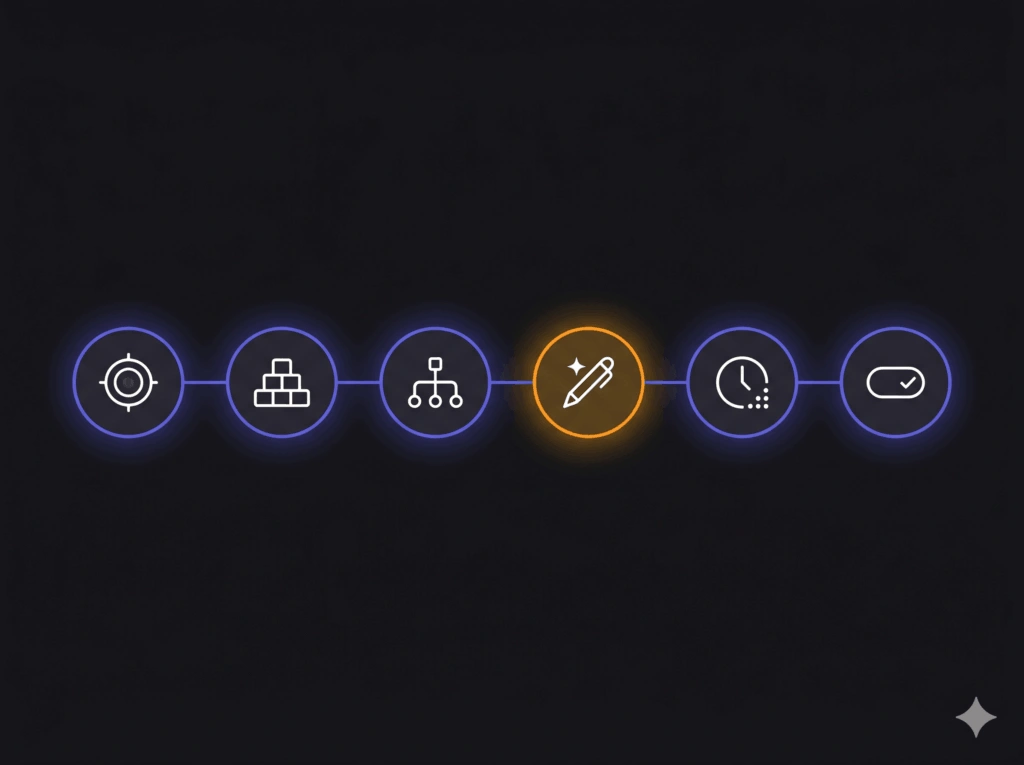
- Pick one outcome. Do not automate everything at once. Choose the single highest-value moment: usually a welcome series or an abandoned-cart email.
- Choose a tool that fits your stack. If you already use a CRM, lean on its built-in CRM email automation before adding anything new. Fewer tools, fewer breakages.
- Map the trigger and the path. Write down the trigger (“subscribes to list”) and each step (“wait 1 day, send email 1; wait 3 days, send email 2”). This is your workflow.
- Draft with AI, edit as a human. Use AI to produce first drafts and subject-line options, then edit for your voice and accuracy. Never ship unedited.
- Set timing and segmentation. Decide delays between emails and who qualifies. Start simple; refine once you have data.
- Test, turn on, and review monthly. Send yourself through the whole flow first. Then activate it and check performance once a month.
Email Workflow Automation Examples to Start With
These are the workflows that earn their keep fastest for a small business. Pick one, build it, then add the next.
| Workflow | Trigger | What it does |
|---|---|---|
| Welcome series | New subscriber | Introduces your brand over 3-4 emails and makes the first offer |
| Abandoned cart | Cart left unpurchased | Reminds and recovers the sale, often within hours |
| Post-purchase | Order completed | Thanks, sets expectations, and cross-sells later |
| Re-engagement | No opens in 60 days | Wins back quiet subscribers before they churn |
| Lead nurture | Downloads a resource | Builds trust over a sequence until ready to buy |
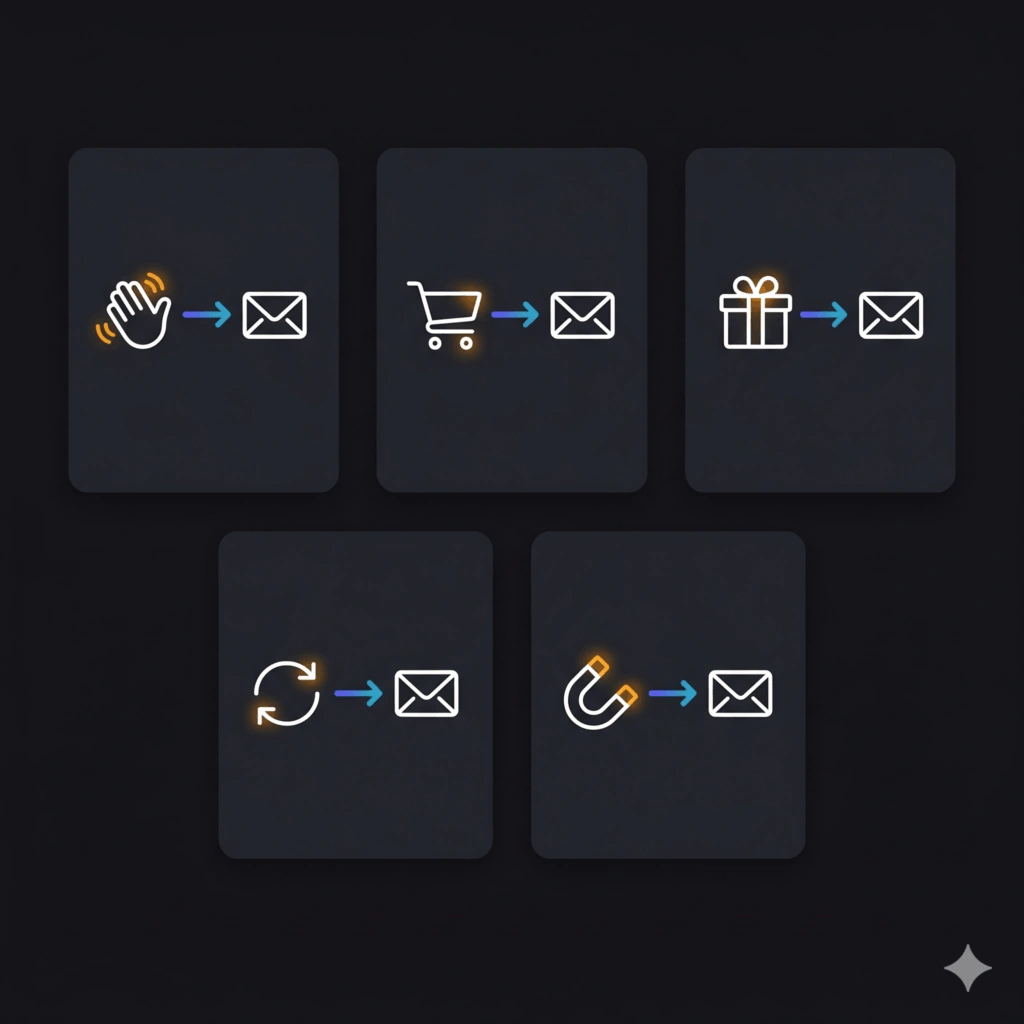
Each of these is an automated email response to something the customer did. The art is in the copy and the timing, which is exactly where AI saves you the most effort. If timing and relevance are your weak spots, our take on real-time marketing for small business pairs well with these flows.
Common Mistakes to Avoid
- Automating before you have anyone to send to. Build the list first.
- Setting it and forgetting it. Automation is not maintenance-free; review monthly.
- Over-emailing. More sends is not more revenue. Respect the inbox.
- Trusting AI output blindly. It drafts; you approve.
Build It Yourself, or Have It Built For You
You can absolutely set this up on your own with the steps above. If you would rather skip the learning curve, this is the kind of system we build, run, and then hand back to you so your team owns it.
If you are weighing tools to power the AI layer, our comparison of ChatGPT vs Gemini vs Copilot for small business marketing is a good next read. When you are ready, get in touch for a look at your current setup.
The Bottom Line
Email automation for small business is the rare project that pays you back in both time and revenue. Start with one workflow, let AI carry the drafting and timing, and review it monthly. You do not need a bigger team or a bigger budget. You need a system that runs while you do everything else.

Author
Carlos Rios
Carlos Rios is the Founder of Tabula. Before starting the agency, he spent his career inside companies — reporting to leaders who had no patience for vanity metrics and wanted straight answers about what was working and why. He built Tabula around that same standard: a marketing system the client owns, powered by AI and led by experts who explain the plan in plain language. Carlos studied philosophy for six years at York University and holds a Master's in Marketing from the Schulich School of Business.